
What Alabama Court Dockets Mean
A docket is the court's event log. Each line usually pairs a date with a filing, hearing, order, status change, or financial event. The docket can reveal that a complaint was filed, service returned, a motion set, a plea entered, or a judgment signed. It does not necessarily display the complaint, motion, transcript, exhibit, or signed order itself. Those items belong to the full file, and some are never public or never scanned.
Alabama's county Circuit Clerk keeps both Circuit and District Court dockets. Circuit matters include felonies, divorces, larger civil suits, and de novo appeals. District dockets cover misdemeanors, small claims, limited civil cases, and preliminary felony events. A Municipal Court keeps city ordinance and traffic dockets, while Probate Court separately keeps estate and guardianship matters. The appellate clerk maintains dockets after notices of appeal create new appellate cases.
A multi-county judicial circuit does not move custody to one central office. The Circuit Clerk in the filing county remains the ordinary source. If a case transfers, the sending docket may stop after the transfer order and the receiving court may create or link another record. Follow both references before concluding that the matter ended.
Search Alabama Court Dockets Online
Alacourt provides paid subscription access to Alabama state trial-court details and available images. Just One Look offers paid case-by-case access. These systems cover Circuit and District civil, domestic, criminal, and traffic matters, but they are not a free universal search. Municipal, probate, confidential, and older paper records can be absent. For those gaps, use the county directory and contact the proper Circuit Clerk, municipal clerk, or Probate Court.
- Identify venue from the initiating paper. A complaint, indictment, citation, will, or appellate number usually names the court.
- Use the known case number first. If it is unavailable, search full and variant names, then narrow by county, category, and filing date.
- Confirm the court, county, case style, and party role before opening a paid Alabama trial result.
- Read from the initiating instrument through service, settings, dispositive events, final order, and any appeal.
- Request a docket sheet and selected documents from the custodian when images are missing or certification is required.
The Alabama appellate clerk provides the route to the free Public Portal for Supreme Court, Court of Civil Appeals, and Court of Criminal Appeals cases. Search contexts include Case Number, Case Title, Case Category, and Filed Date. Trial and appellate files remain distinct. A notice of appeal and record preparation appear below, while briefs, submissions, orders, and the opinion appear on the appellate docket.
Sample Alabama Court Docket Fields
Labels vary by portal and court, but the same core data lets a reader place an event in sequence. Entry date can differ from the date a judge signed an order. A later scanning date also can place an older document after newer events. Read the document itself when timing controls a deadline.
| Field | What It Shows |
|---|---|
| Entry date | Date posted to the Alabama docket; it may differ from signature, filing, or hearing date. |
| Event type | Short label for a complaint, service return, setting, motion, plea, order, judgment, sentence, or appeal. |
| Filing party | Identifies who submitted an item, such as plaintiff, defendant, State, petitioner, or counsel. |
| Judge or clerk action | Shows an assignment, notice, issuance, ruling, continuance, or administrative entry. |
| Case status | May read pending, disposed, transferred, appealed, inactive, or another system status. |
| Document link | Opens an available public image; no link may mean paper, archive, or restricted material. |
| Financial entry | Shows assessed fines, costs, restitution, or payments where public, but not every outside obligation. |
A disposition line deserves close review. “Dismissed,” “nolle prosequi,” “no bill,” “not guilty,” and “guilty” have different meanings. A status of “disposed” does not explain which count ended or whether a related case remains open. The signed judgment or sentence is the best source for the final result.
Alabama Courts and Docket Access
Publication depends on the court and record class. Alabama centralizes much trial data without making every court one database. The available channels are:
- Circuit and District Courts: paid Alacourt or Just One Look, plus free inspection and copy service through the county Circuit Clerk.
- Municipal Courts: city clerk, local portal, telephone, counter, or written request; AlaPay applies only to eligible matters.
- Probate Courts: county probate index, counter, or request, with restricted adoption and commitment material withheld.
- Alabama appellate courts: free Public Portal and appellate clerk for public dockets and documents.
- Federal courts: PACER and the clerk of the Northern, Middle, or Southern District, with separate bankruptcy dockets.
Official Alabama small-claims forms illustrate the papers that can become docket entries.
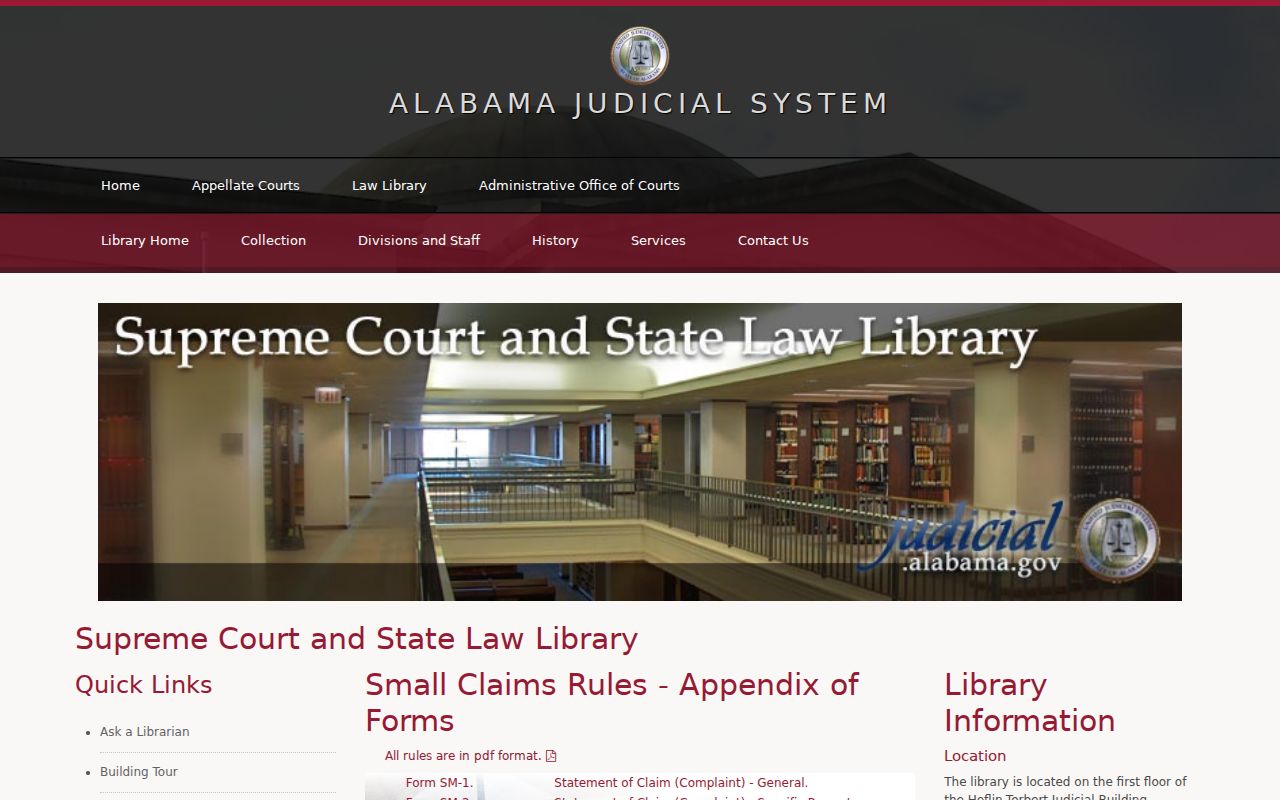
The forms help distinguish an initiating claim from later service, answer, setting, judgment, and collection events on the docket.
The official civil procedure forms show another source of docketed filings.
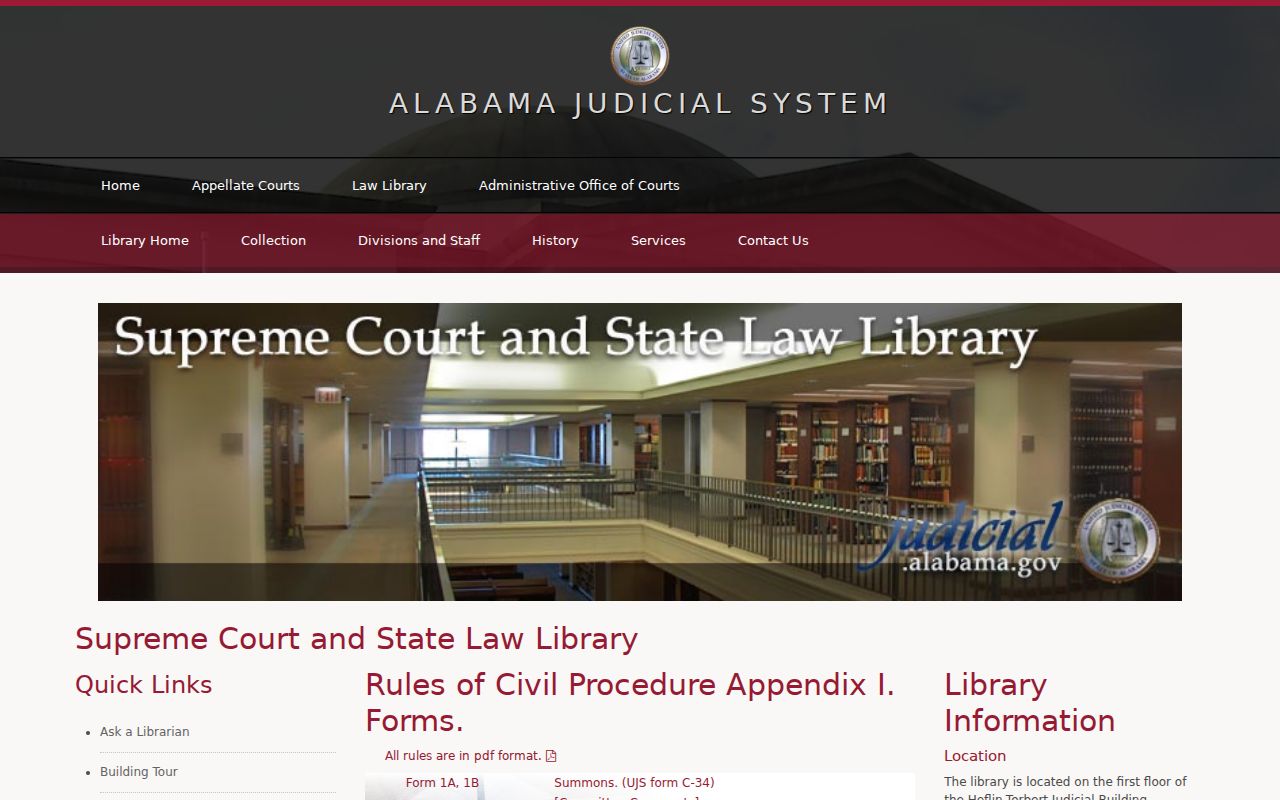
Each form has a procedural role, so a form title alone should not be read as a final judicial ruling.
Alabama Docket vs. Case File
The Alabama docket is an index, while the case file contains the actual public pleadings, orders, and admitted exhibits retained by the court. Neither trial access route is guaranteed to be free online. Alacourt and Just One Look are paid products, but Rule 30 preserves free inspection of open court files at the Circuit Clerk's office. Copies, certification, research, and archive retrieval may cost money.
| Docket | Full Case Record | |
|---|---|---|
| Format | List of entries | Full documents |
| Contents | Dates, labels, parties, status, and links | Pleadings, orders, public exhibits, and transcripts if filed |
| Access | Paid trial portal, free appellate portal, or clerk | Paid image, counter inspection, or clerk copy request |
| Use | Track sequence and locate key documents | Read allegations, reasoning, evidence, and full terms |
| Authority | Useful index and event history | Signed order or certified judgment proves the result |
Documents exchanged in discovery may never be filed. Physical evidence, grand-jury material, presentence reports, juvenile social records, medical exhibits, and sealed warrant affidavits also may not appear in a public image set. Requesting every file item can slow review. Use the docket to select pivotal documents by title and date.
Older Alabama dockets may require an index or archive search at the filing court. Give the clerk the complete case style, all known name variants, court type, approximate year, and any former case number. Ask for the docket sheet first. It can identify the few pleadings or orders worth copying and reduce retrieval, review, and postage costs. Rule 30 permits a clerk to perform certain background or archival work but does not require an unlimited name search. A clerk who declines a broad search has not certified that no record exists.
Read Alabama Court Dockets
Begin with the header and case number. Alabama trial codes can include CV for civil, CC for Circuit criminal, DC for District criminal, DR for domestic relations, SM for small claims, TR for traffic, JU for juvenile, and CS for child support. These codes identify a category, not the merits. Confirm the style, parties, attorneys, judge, filing date, and county before reading the event list.
Next locate the initiating paper and service. Follow settings, motions, continuances, pleas, or dispositive rulings to the signed final order or sentence. “Filed” means received, not granted. A continuance moves a setting. “Nolle prosequi” records a prosecutor's decision not to proceed then, while “no bill” means a grand jury declined to indict. A pending label does not prove an active warrant, and a balance does not show every collateral agency debt.
Alabama appellate numbering changed in 2022. Older formats include number patterns beginning with 1, 2, or CR, while newer formats use SC, CL, or CR followed by a four-digit year. Once a case is open, the appellate portal can show participants, attorneys, docket events, and public documents. Read a remand in both the appellate and trial dockets because each system records a different part of the event.
Freshness matters. A hearing may be continued in court before the online docket changes. The same lag can affect a payment, warrant recall, release, protection order, or newly filed appeal. A screenshot proves only what the portal displayed at that time. For a deadline or immediate legal consequence, call or visit the responsible clerk and ask whether a signed order has been entered. Court staff can confirm records and procedure, but they cannot interpret a ruling or give legal advice.
Note: Same-day rulings and payments can post late, so confirm urgent Alabama docket events directly with the issuing court.
Federal cases use a different system. The official PACER service searches federal district, bankruptcy, and appellate dockets.
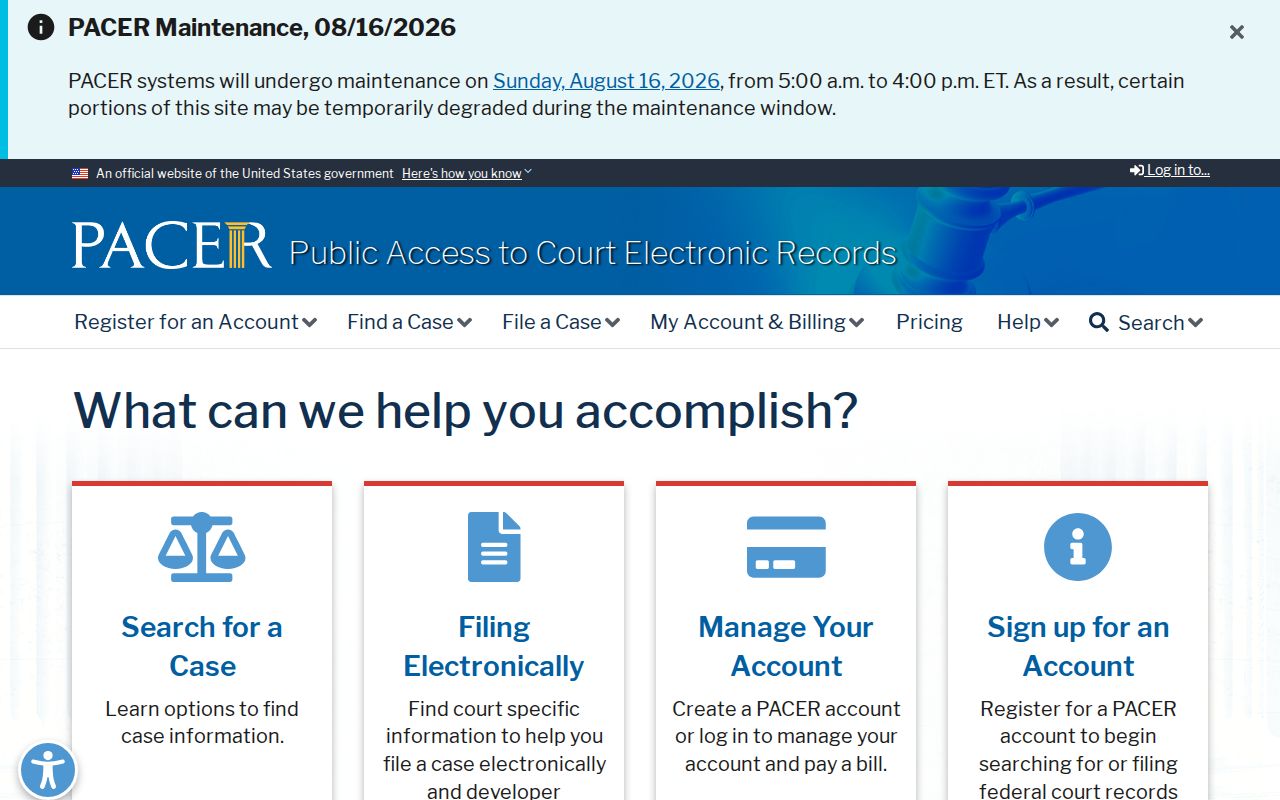
PACER fees and federal case numbers do not apply to Alabama state dockets, and the correct federal district must be identified.
CourtListener RECAP may display federal docket documents donated from PACER users.
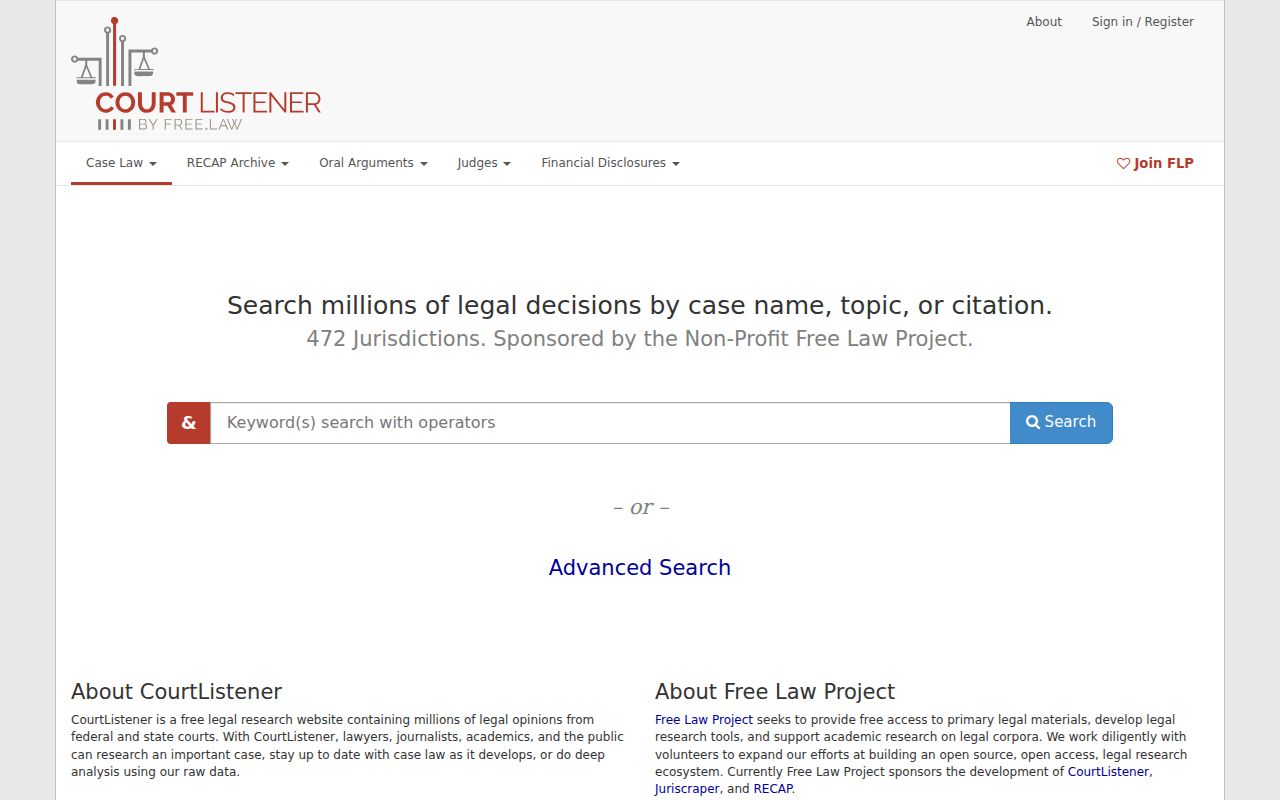
RECAP absence does not mean a federal record does not exist, and certified copies still come from the federal court clerk.
For an Alabama state docket, select the filing county from the county court directory. Ask the Circuit Clerk for Circuit or District cases, the municipal clerk for a city case, or Probate Court for probate. Provide the case number, full style, approximate year, and the exact docket sheet or documents needed. Request plain and certified-copy prices separately.